

Add a new customer to Setaflow by hand, for example a walk-in or someone who called you.
Most contacts arrive on their own from WhatsApp, Meta ads, IndiaMART, Justdial and your website. Add one by hand when someone walks in, calls you, or is referred by another customer.
Add a new contact
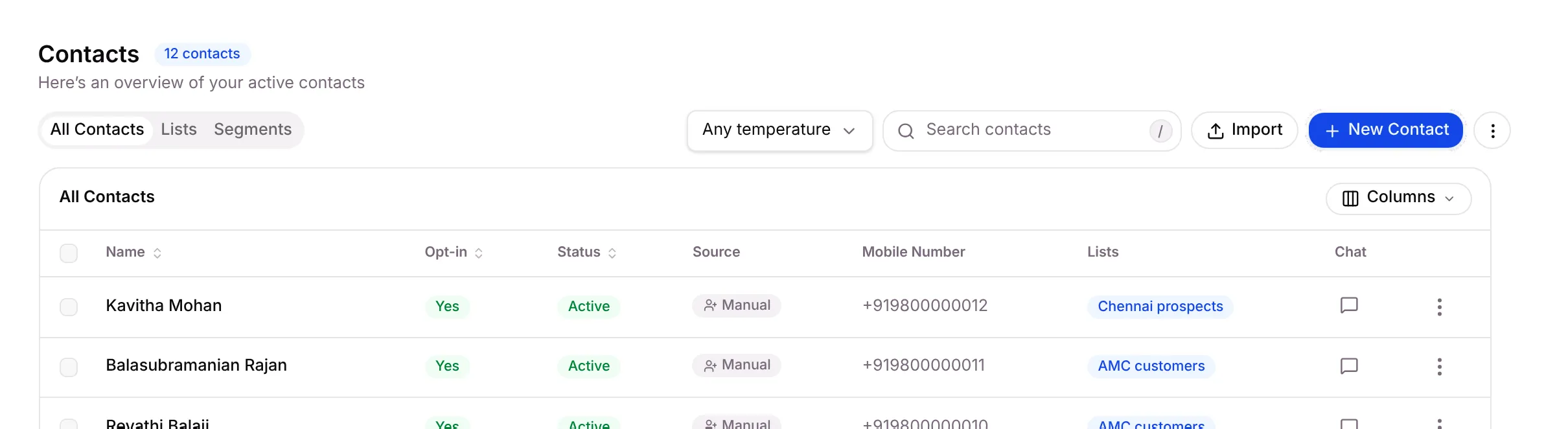
Section titled “Add a new contact”Go to Contacts and click New Contact in the top right.
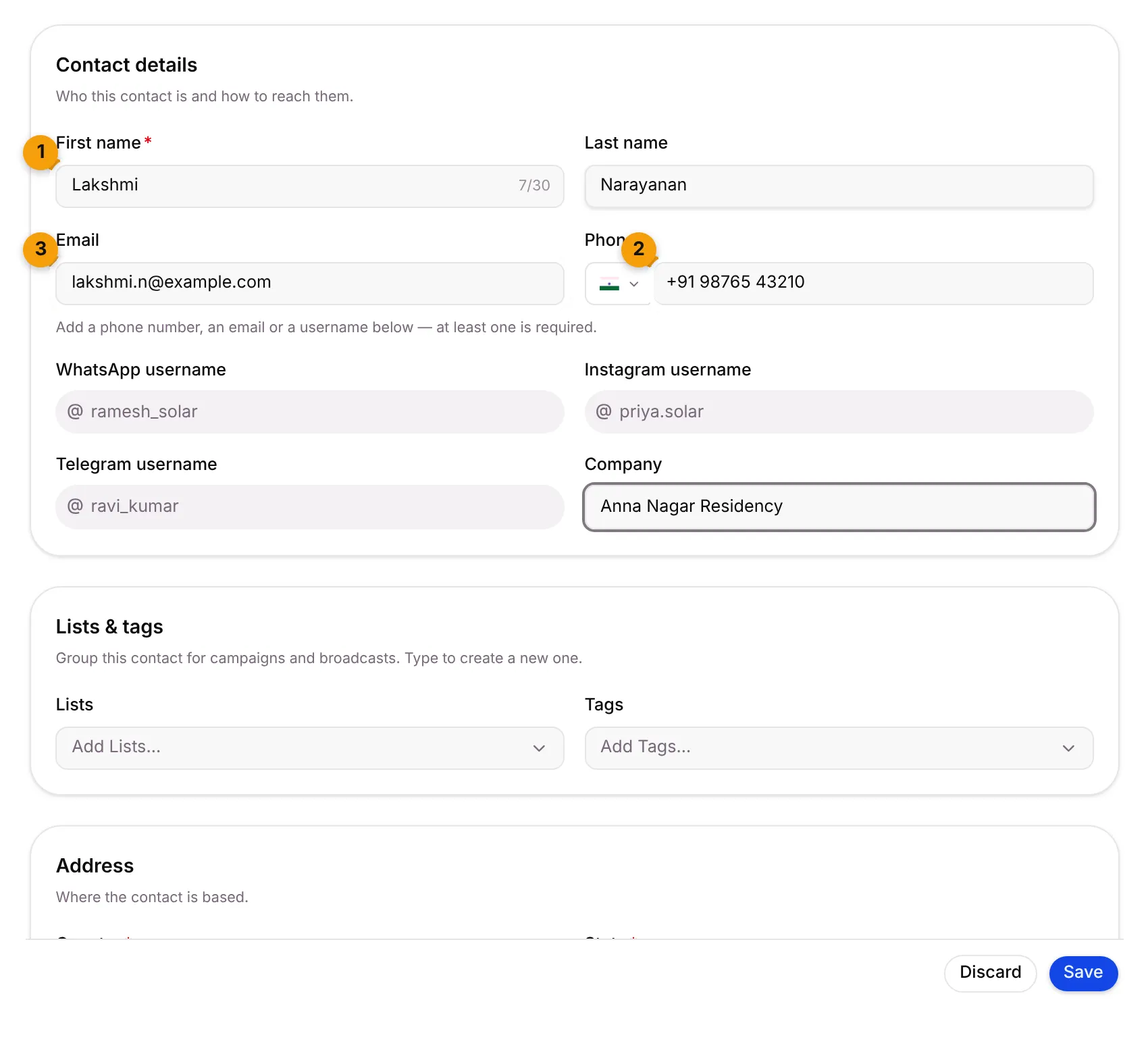
Fill in Contact details:
- First name is the only field you must always fill in.
- Phone: pick the country flag and type the number, for example +91 98765 43210.
- Email, if you have it.
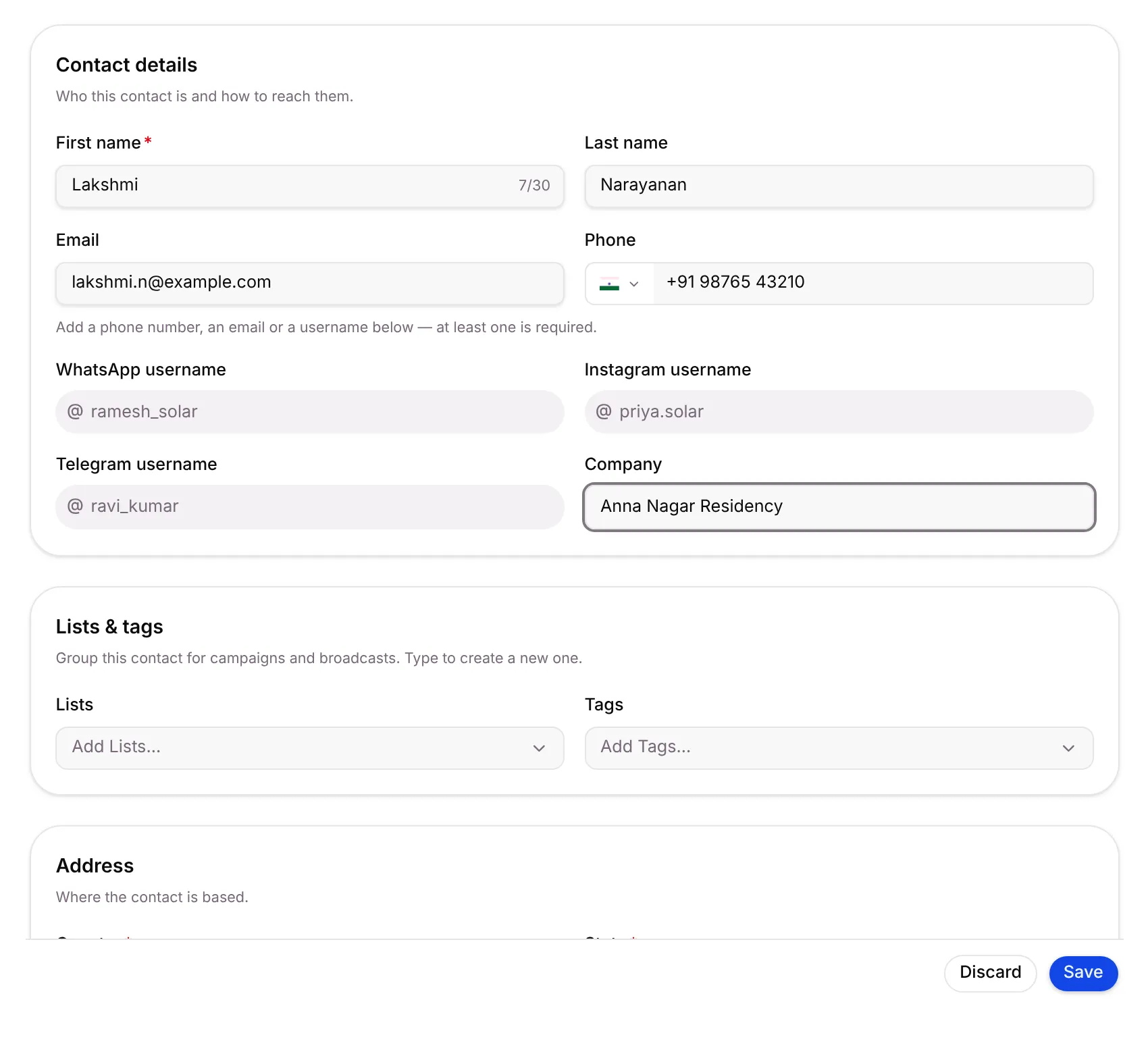
Under Lists & tags, add the contact to lists or give them tags. Type a new name to create a list or tag on the spot.
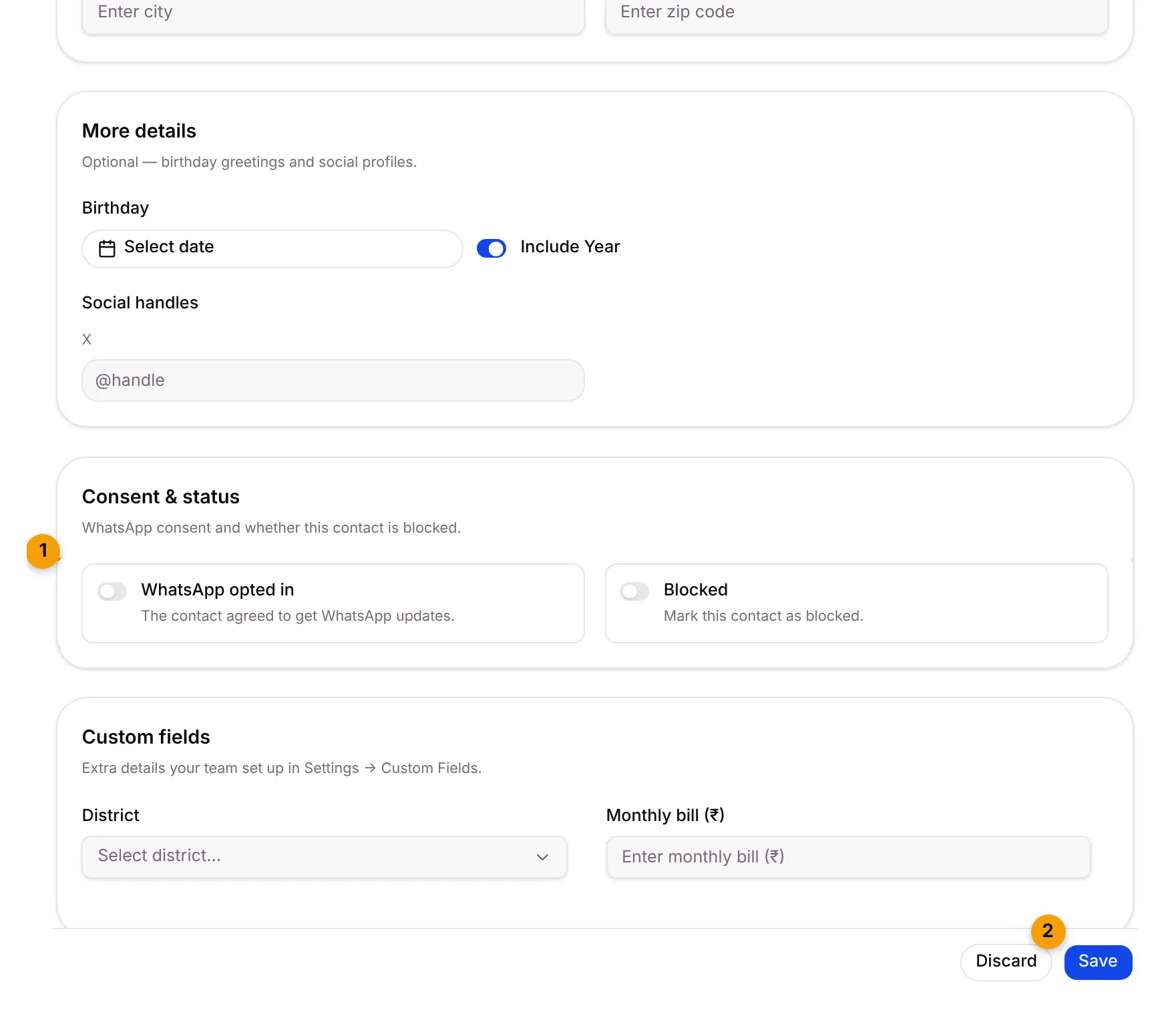
Scroll down to the rest of the form:
- Address: country, state, street, city and zip code. Country must be filled in.
- More details: birthday (for greetings) and social handles.
- Consent & status:
- Turn on WhatsApp opted in if the customer agreed to get WhatsApp updates.
- Leave Blocked off unless you never want to message this person.
- Custom fields: extra details your business added, such as District or Monthly bill (₹).
Click Save.
The contact now appears at the top of All Contacts.
Edit a contact
Section titled “Edit a contact”- Go to Contacts.
- Click ⋮ at the end of the contact’s row and choose Edit.
- Change what you need and click Save.
Common errors
Section titled “Common errors”| Message | What to do |
|---|---|
| First name is required | Type a first name. |
| Enter a phone number with the country code, like +91 98765 43210 | Add the country code, or pick the right flag. |
| Enter an email address like [email protected] | Check the email for typos. |
| Add a phone number or a WhatsApp, Instagram or Telegram username. | Give at least one way to reach the contact. |
| Country is required | Pick a country under Address. |
What’s next?
Section titled “What’s next?”Related articles
Section titled “Related articles”Was this article helpful?
Thanks for letting us know.